جهاز-القص-الإلكتروني-إصدار-كريكت-ميكر-4-مصر Cricut-Maker-4-egypt
جهاز-القص-الإلكتروني-إصدار-كريكت-ميكر-4-مصر Cricut-Maker-4-egypt (3)
جهاز-القص-الإلكتروني-إصدار-كريكت-ميكر-4-مصر Cricut-Maker-4-egypt (5)
جهاز-القص-الإلكتروني-إصدار-كريكت-ميكر-4-مصر Cricut-Maker-4-egypt (1)
جهاز-القص-الإلكتروني-إصدار-كريكت-ميكر-4-مصر Cricut-Maker-4-egypt (4)
جهاز-القص-الإلكتروني-إصدار-كريكت-ميكر-4-مصر Cricut-Maker-4-egypt (2)
جهاز-القص-الإلكتروني-إصدار-كريكت-ميكر-4-مصر (1)
جهاز-القص-الإلكتروني-إصدار-كريكت-ميكر-4-مصر Cricut-Maker-4-egypt (11)
جهاز-القص-الإلكتروني-إصدار-كريكت-ميكر-4-مصر Cricut-Maker-4-egypt (10)
جهاز-القص-الإلكتروني-إصدار-كريكت-ميكر-4-مصر Cricut-Maker-4-egypt (9)
جهاز-القص-الإلكتروني-إصدار-كريكت-ميكر-4-مصر Cricut-Maker-4-egypt (8)
جهاز-القص-الإلكتروني-إصدار-كريكت-ميكر-4-مصر Cricut-Maker-4-egypt (7)
جهاز-القص-الإلكتروني-إصدار-كريكت-ميكر-4-مصر Cricut-Maker-4-egypt (6)
جهاز-القص-الإلكتروني-إصدار-كريكت-ميكر-4-مصر Cricut-Maker-4-egypt–

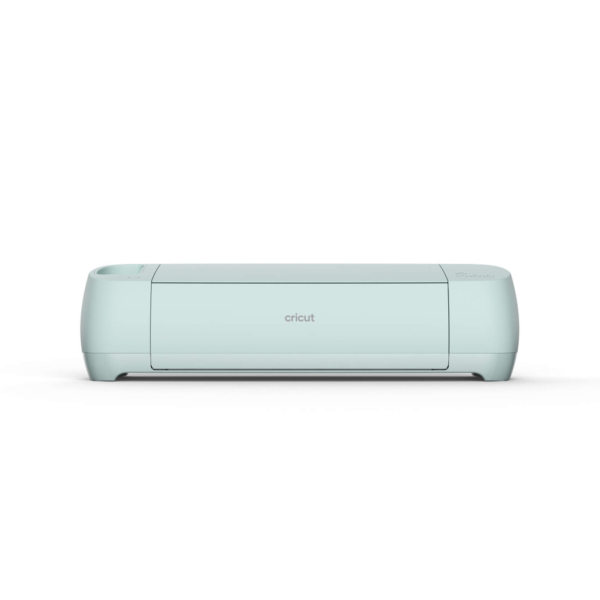
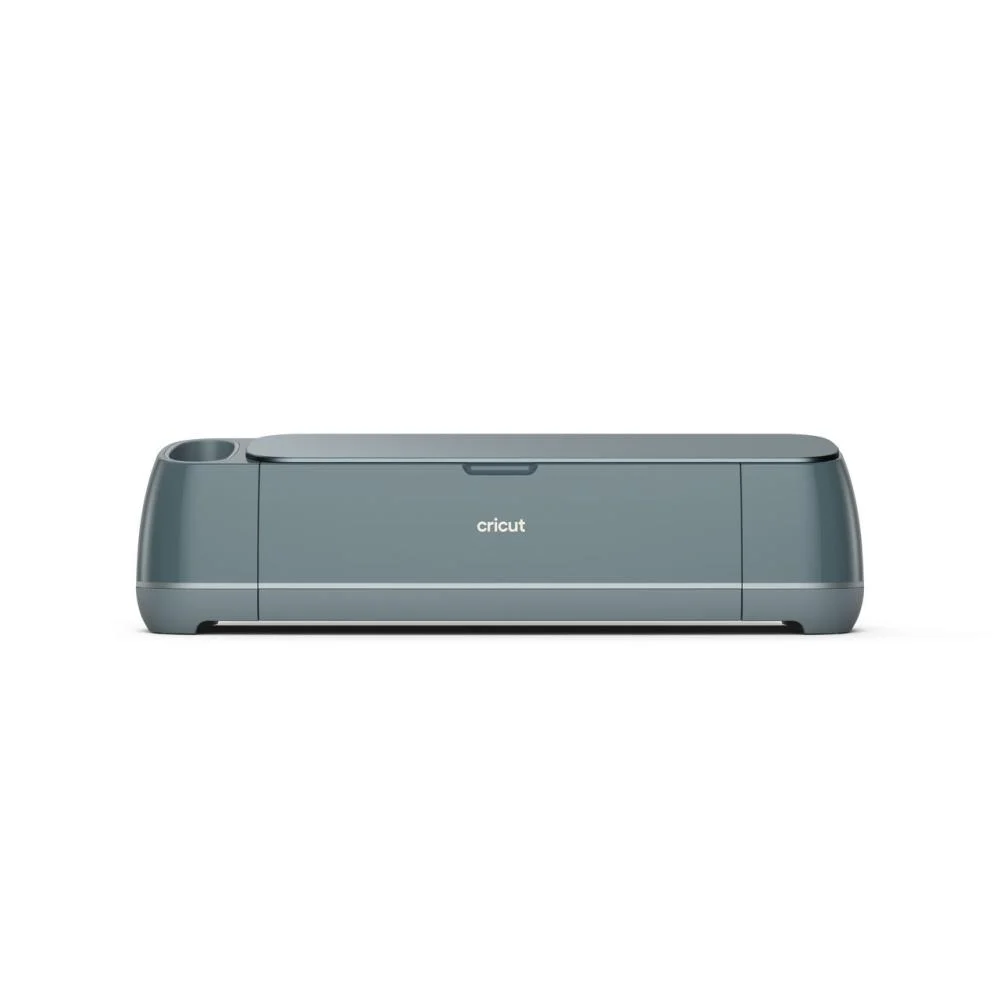
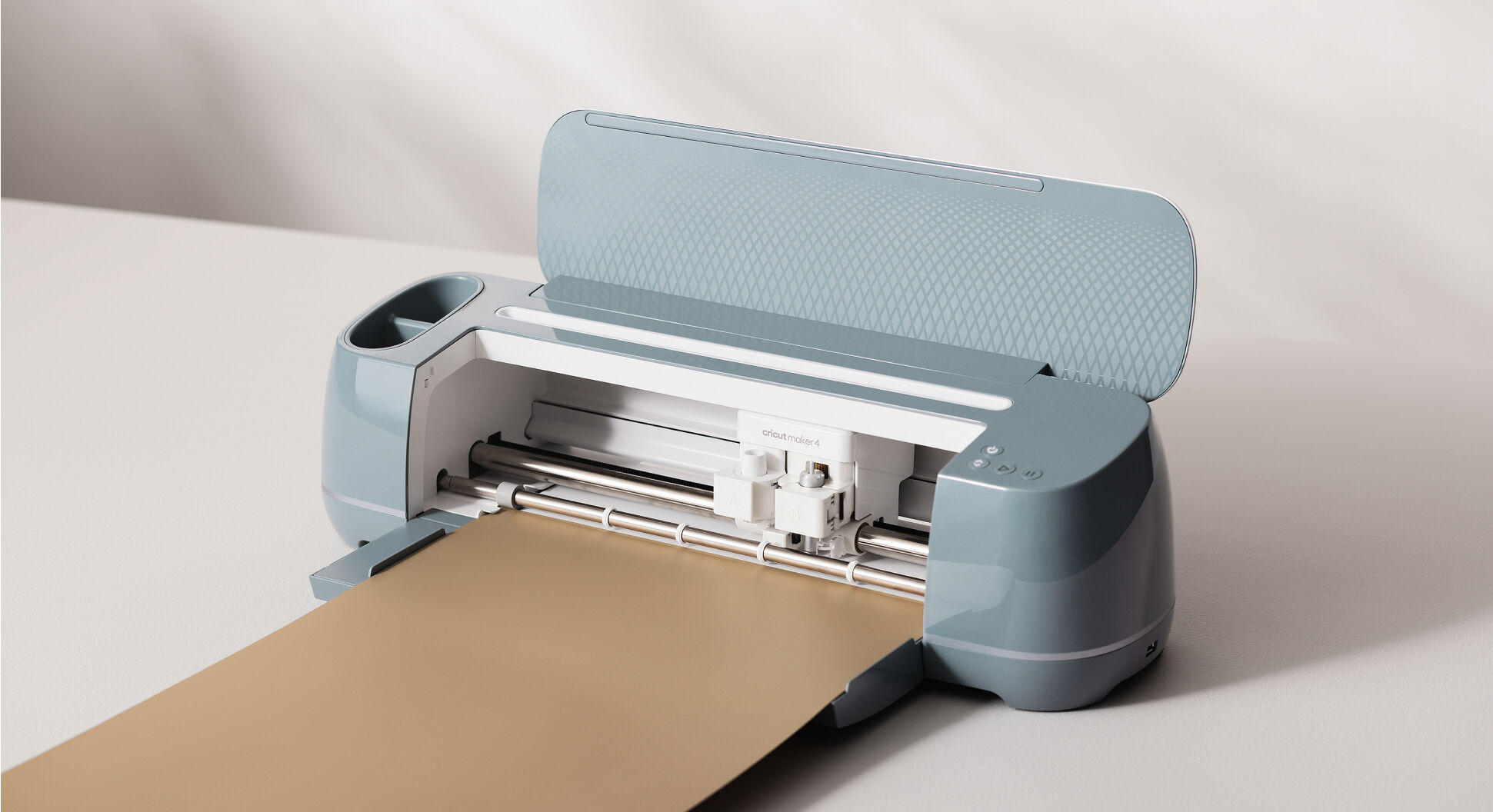
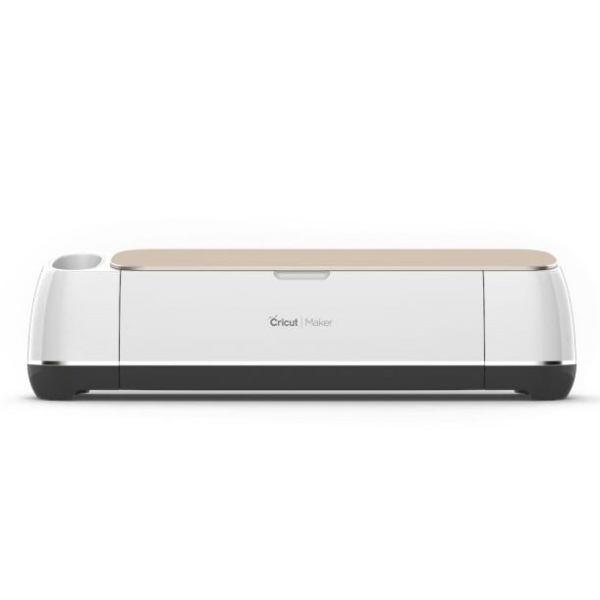
Cricut Maker 4 Electronic Cutting Machine

$ 911.00 Inclusive of tax
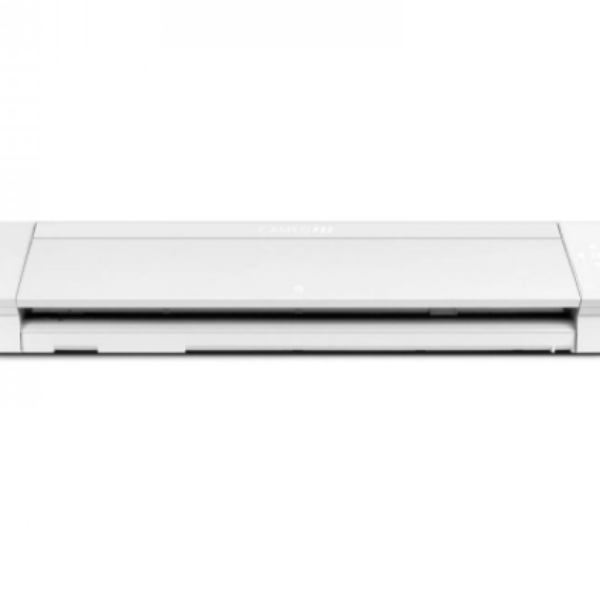
Finally, the new and outstanding Cricut Maker 4 is here! The Cricut Maker 4 delivers twice the cutting speed compared to the previous version and supports cutting Smart Materials (such as vinyl and iron-on) up to 12 ft (3.65 m) long without the need for a cutting mat, allowing you to create longer and more complex designs with ease.
It ensures an accurate cut of various materials, making it suitable for projects that require fine details.
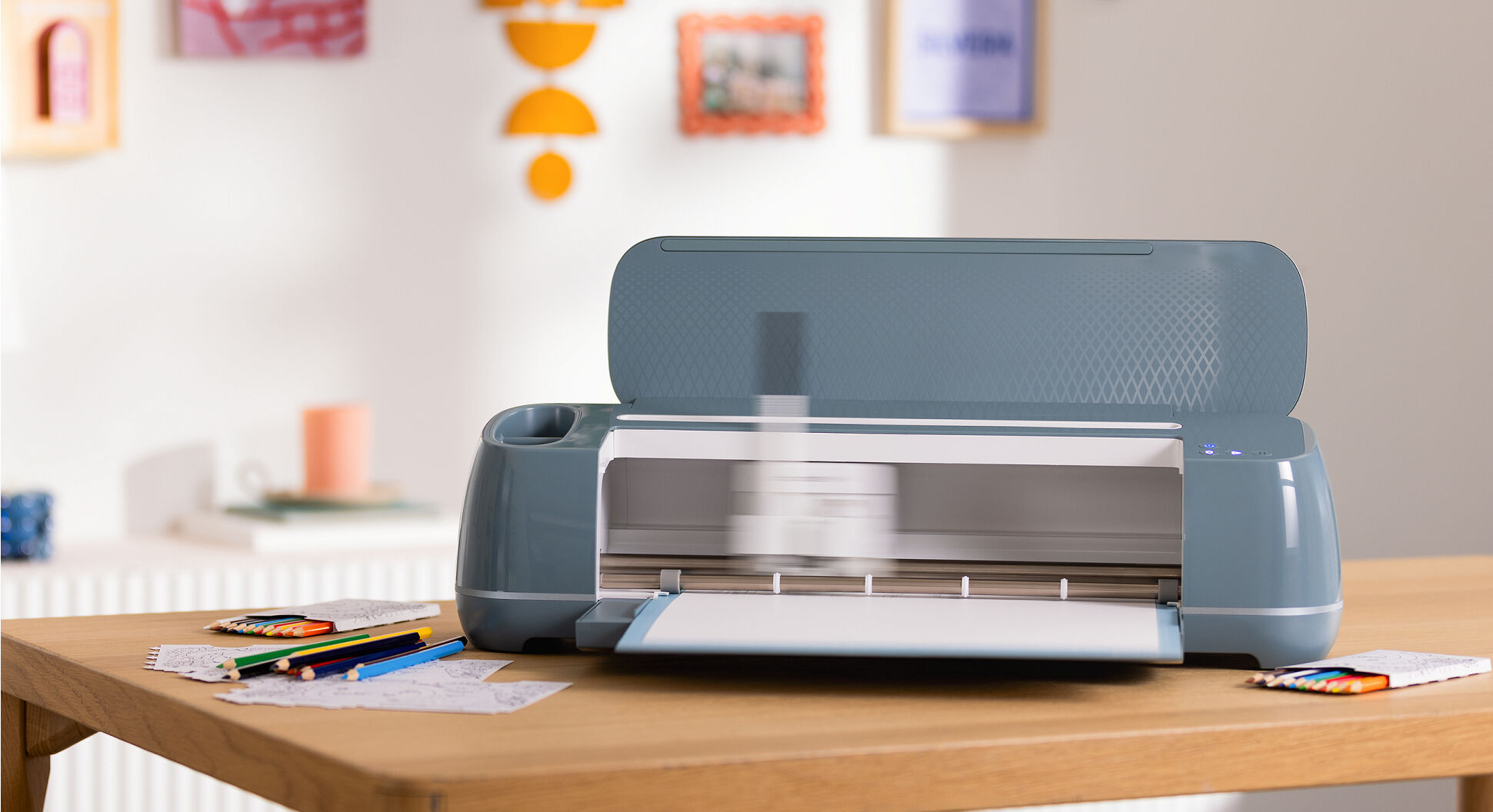
Just like the previous version, the Cricut Maker 4 features a sleek, elegant design with refined detailing, a premium finish, beautiful color tones, and exceptional precision and build quality suitable for professional use.

Available on backorder

Add to cart

Description

Unleash your creativity without limits with the Cricut Maker® 4 electronic cutting machine.

Discover the Cricut Maker® 4 — the latest next-generation release and the most powerful smart cutting machine we offer to date at elnail.com.

Description:
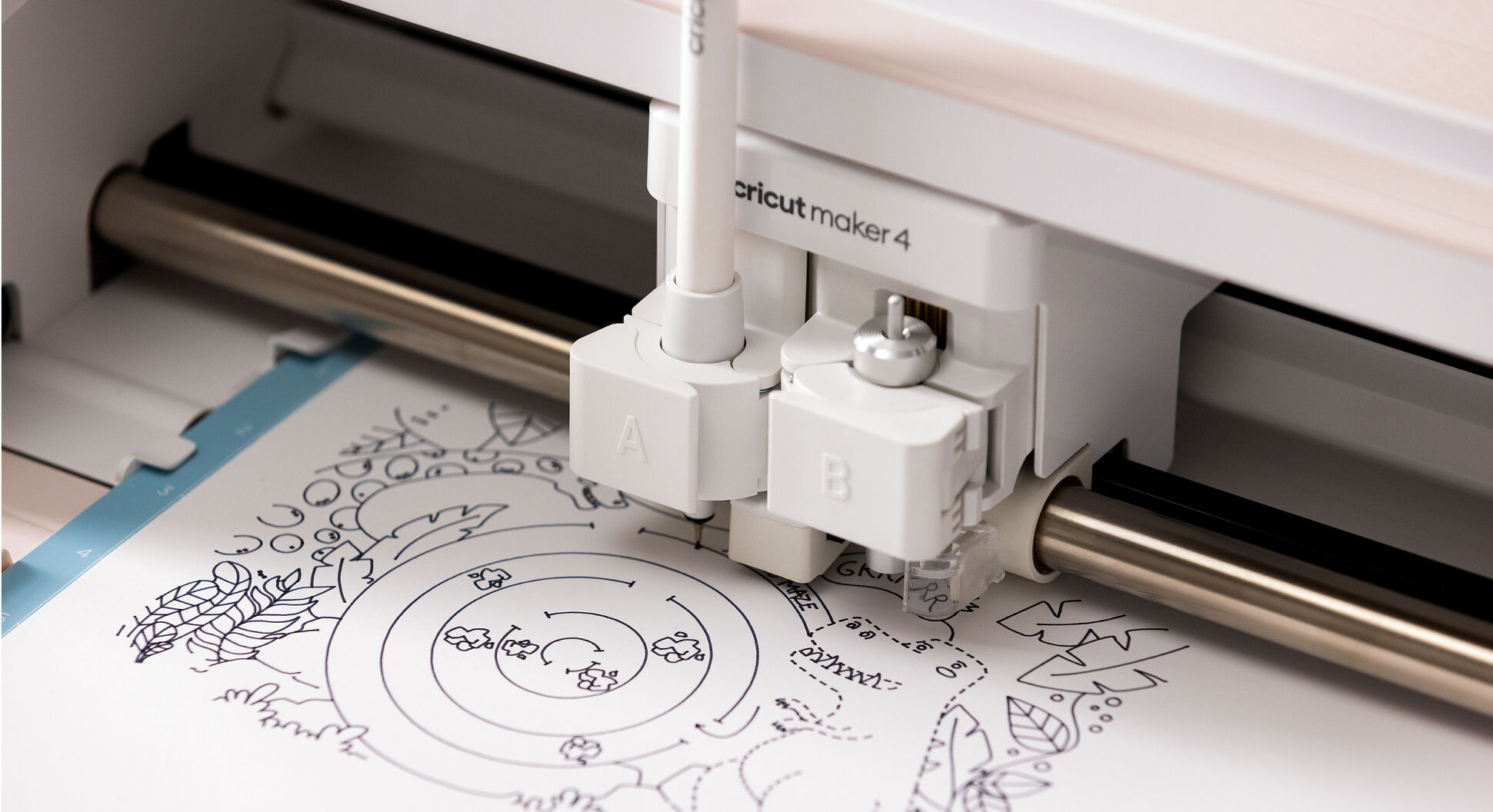
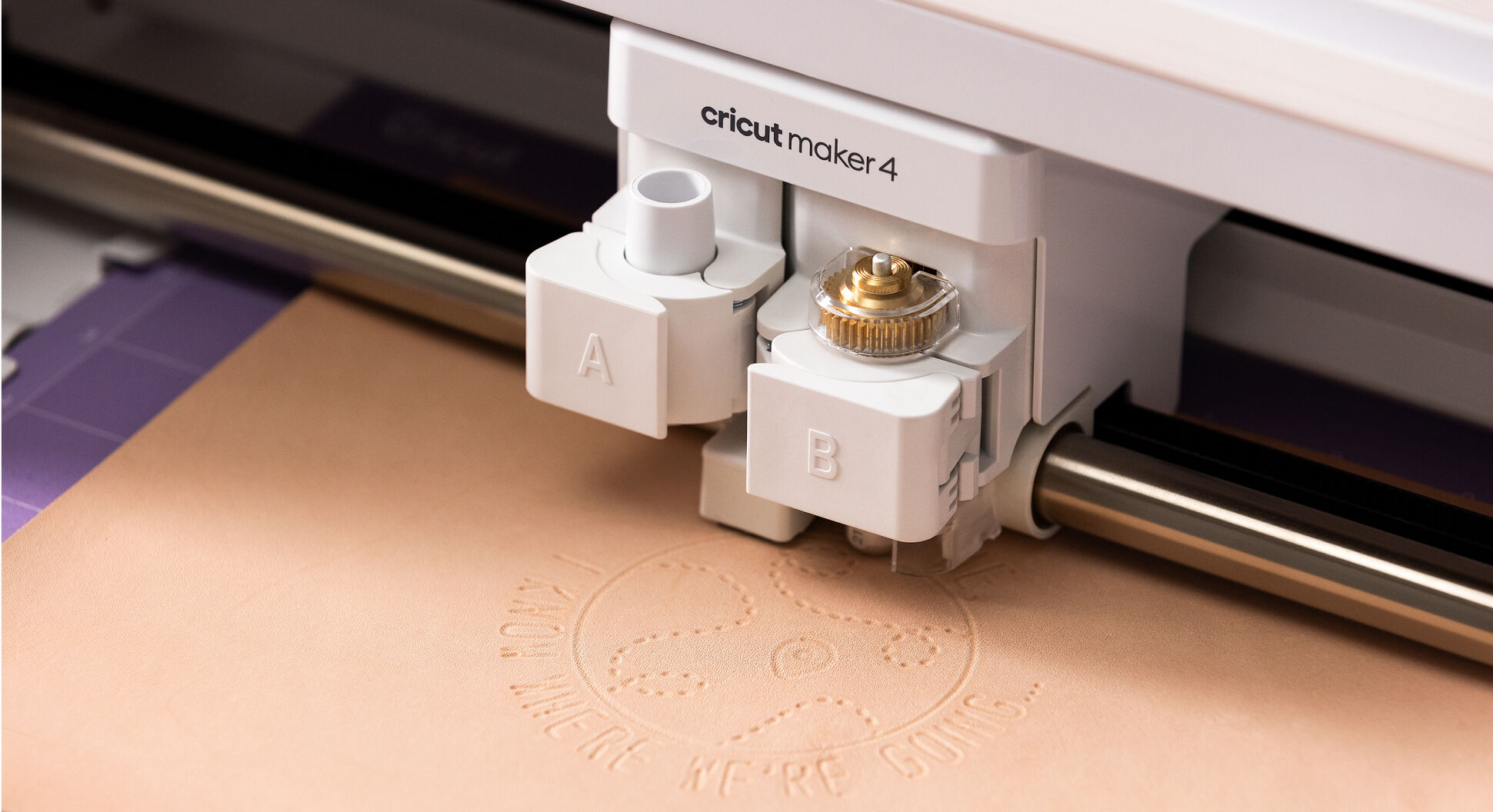
Thanks to its compatibility with more tools and materials than any other Cricut machine, your creative possibilities are truly endless. Create large-scale signs, engrave metal, add professional designs to leather, and so much more. Of course, you can also easily make all the popular projects like custom cards, T-shirts, and vibrant stickers with ease. 🎨

The Cricut Maker® 4 is engineered to deliver maximum speed and precision — cutting at speeds of up to Double speed Previous version.¹

The machine comes with ready-to-use materials for instant setup and easy installation guidance available online. No design experience is required, and it works seamlessly with the Cricut Design Space® app. Design Space® Free of charge

Features:

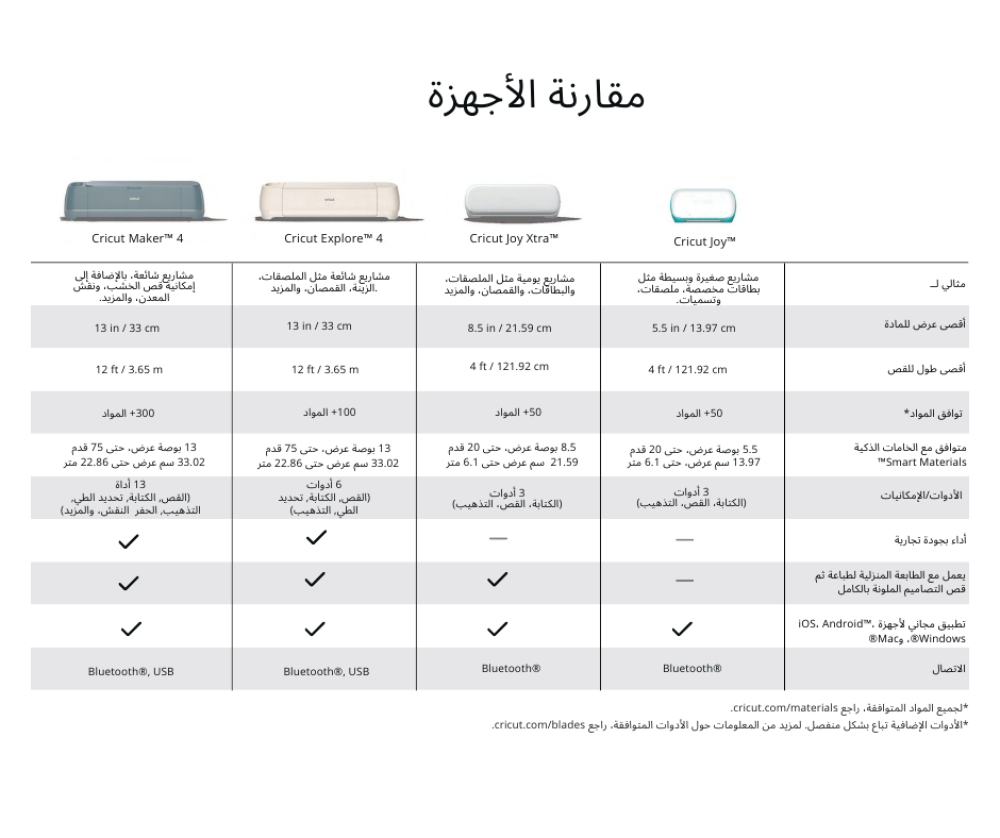
  • Creative Freedom: The Cricut Maker® 4 cuts over 300 different materials, ranging from delicate papers to thick materials like chipboard.
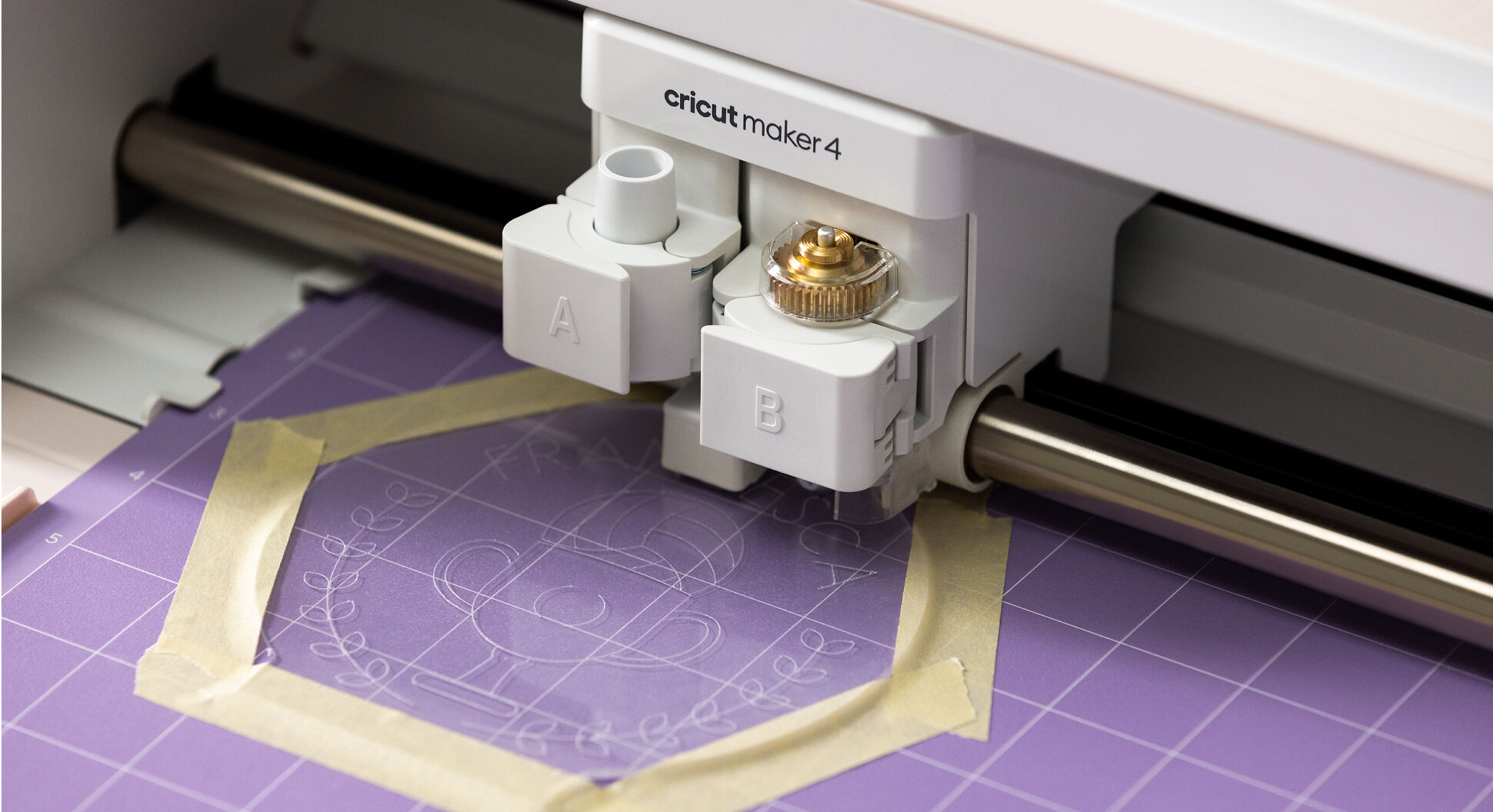
  • Compatible with 13 different blades and art tools including engraving tool, engraving, corrugated shearing, Rotary shearing blade for fabrics, knife blade for cutting leather, wood and thick materials up to 2.4 mm thick! (All sold separately)
  • The speed and accuracy of cutting doubled from previous versions you can now cut complex accurate designs with ease!
  • Cutting materials and smart materials without using a cutting mat.
  • Supported by mounting wheels that allow you to cut smart materials up to 22.8 meters.
  • Side and bottom space for easy storage of art tools and cutting blades.
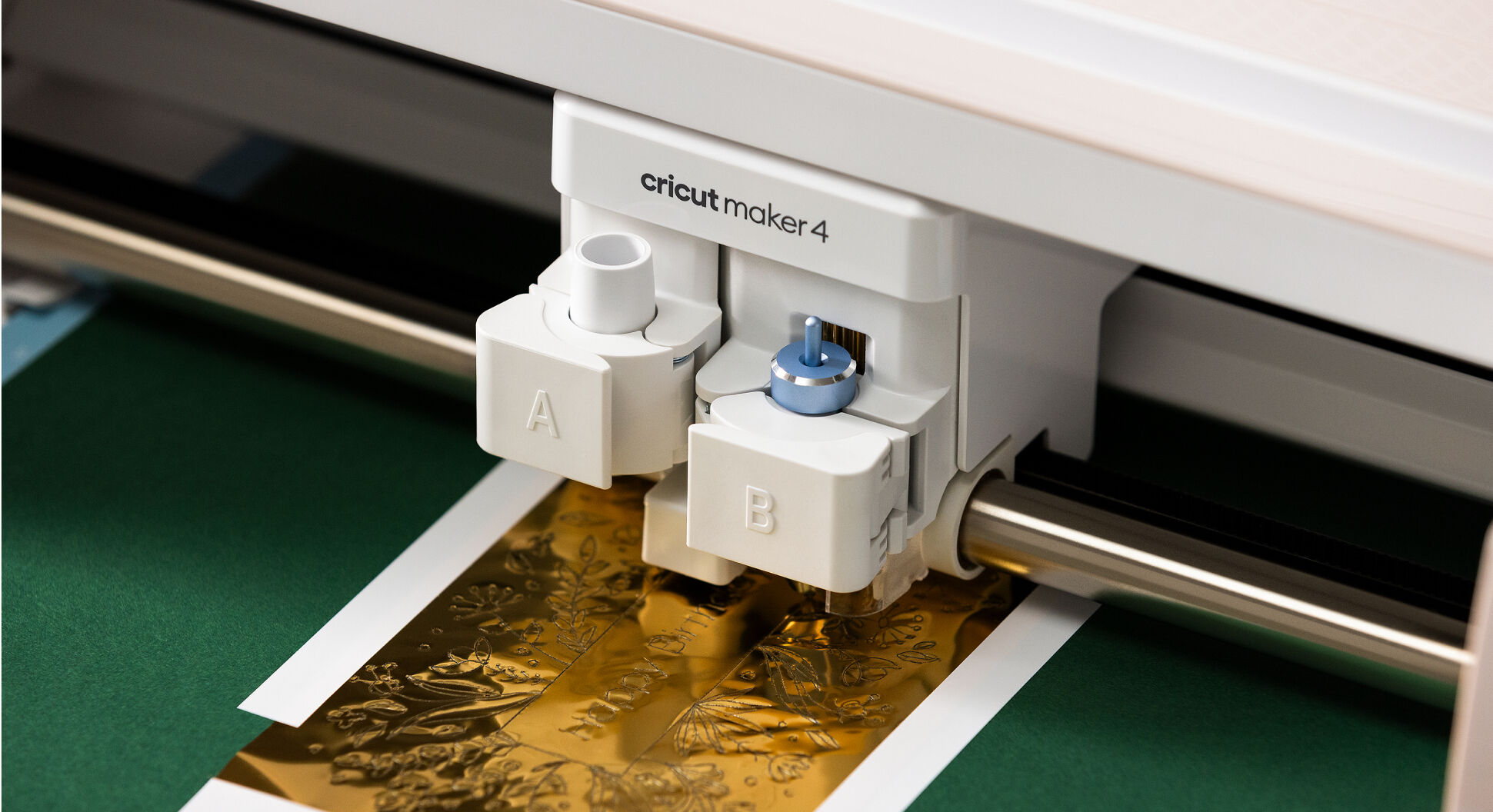
  • A new level of foil gilding! Add a sparkle to your projects with the foil gilding tool (sold separately)
  • Now you can make folding lines and double folding lines using the marking blades without the need for a marker pen. (Sold separately)
  • A free design and cutting program with 100 ready – to – use designs, compatible with Windows-Mac desktops and an application for iOS-Android smart devices.
    Maximum cutting size on the Cricut Maker® 4 when using Smart Materials™: 11.7 inches × 12 feet (29.7 cm × 3.6 meters), allowing for long and continuous designs without a cutting mat. Cutting speed: reaches up to 14.1 inches per second, delivering high-speed performance while maintaining exceptional precision.

Contents:

  • Cricut Maker® 4 Electronic Cutting Machine

Accessories:

  • Precise and high quality premium cutting blade with Blade container.
  • Welcome book and instructions.
  • A pen with a thin tip (0.4 mm).
  • A small tool for removing growths
  • USB power adapter cable.
  • Free trial subscription to Cricut Access TM (for new subscribers).
  • Additional technical samples: smart adhesive vinyl sample-smart thermal vinyl ironon sample-smart cardstock paper sample-conveyor paper sample.
  • Materials and samples to start a training project.

 Frequently asked questions:

  • Does the USB cable come in the box
    Yes, a USB – C cable comes with every device. The USB – C cable can be used to connect directly from your device to your laptop (or desktop computer) *.
  • What are the dimensions and weight of Cricut Maker 4
    Height: 15.7 CM (6.2 in)length: 56.1 CM(22.1 in) depth: 18 cm (7.1 in)weight: 6.9 kg (15.4 lb)
  • What are the power requirements for this device
    Input: 100-240V~50 / 60Hz 1.6 a
  • What is the USB port located on the right side of Cricut Maker 4
    It is a standard 5V charging port that you can use to charge your mobile device while mowing. This is the only purpose of this port; it is not configured for data transfer. To connect your device to the computer via USB, plug the USB cable into the port on the back of the device.
  • What is the maximum size that I can cut
    Cricut Maker 4
    Smart ironing printing
    11.7 inches × 4 feet (29.7 CM × 1.2 m)

Smart Vinyl
11.7 inches × 12 feet (29.7 CM × 3.6 m)

A set of adhesive cards on smart paper
11.7 inch × 11.2 inch (29.7 CM × 28.4 CM)

On a 12 inch × 12 inch mat (30.5 cm × 30.5 cm)

11.5 inch × 11.5 inch (29.2 CM × 29.2 CM)

On a rug 12 inches × 24 inches (30.5 cm × 61 cm)

11.5 inch × 23.5 inch (29.2 CM × 59.6 CM)

How will Cricut Maker 4 know the code you downloaded
When cutting a project, Cricut Maker 4 will move the cart to the right (this is called “homing“), and then scan the code to see which one is installed.

How thick is my material with Cricut Maker machines
3/32 of an inch, or 2.4 mm.

Does the Cricut Maker® 4 need to be connected to the internet?
Not necessarily. With the Design Space app installed on your computer or iOS mobile device, you can still design and send projects to your device without an internet connection. However, for some features and functions, such as synchronizing content and uploading photos, you will need to connect to the internet and log in.

How do I align smart materials when loaded into the machine
Align the smart material with the Left material guides. Gently push the material against the rollers while pressing the Load button.

Can I use other brands of vinyl or ironing printing without a mat
You can use other brands of materials, but you will need to put them on a cut rug.

I'm new to Smart Materials. What is it
This smart material works without machine mat, just load the material directly into your Cricut Maker 4 machine and go. Smart materials come in a variety of material types, including Smart Vinyl, smart Iron – On and smart Paper Sticker card sets.

Do I need to measure and cut my smart material before loading
We recommend leaving your material on the roll even after the end of shearing. Cricut Maker includes 4 sensors that measure the length of your materials, ensuring that you have enough materials for the project you are working on. When the shearing is finished, the material will be loaded back into the machine, which allows you to cut the material away from the roll. If you have a roll stand, the built-in trimmer makes this process easier.

How will I know if I have enough smart materials for my project
Cricut Maker includes 4 sensors that measure the length of the material for you. If you do not have enough, you will be alerted and will not be able to continue cutting until you insert a sufficiently long piece of smart material. You need at least 6 inches (15.24 cm) (Length) 13 inches (33 cm) (Width) of smart material to cut without MAT.

Do I need to buy a Cricut roll holder if I plan to use longer rolls of material
Although the Cricut Roll Holder is not required, it is very useful for managing bulky and long rolls, keeping them in place and perfectly aligned for long cuts.

What is the width of a Smart Vinyl or Smart Iron-On roll?
The width of the roll of material is 13 inches (33 cm). The maximum width of the cutting table is 11.7 inches (29.7 CM).

Why is there a delay between pressing the pause button and pausing the machine
A small amount of data for your project is stored in your device so that it knows what to do next. When the wound is paused, there is a slight delay while the machine processes the pause.

Compatible with:

Compatible with Windows, Mac and tablets

Compatible with roll holder to support smart material rolls up to 75 feet (22.8 m) (sold separately)

Additional information

Weight 7 kg
Dimensions 56.1 × 18 × 15.7 cm
brand

Cricket, Cricket

Reviews

There are no reviews yet.

Only logged in customers who have purchased this product may leave a review.